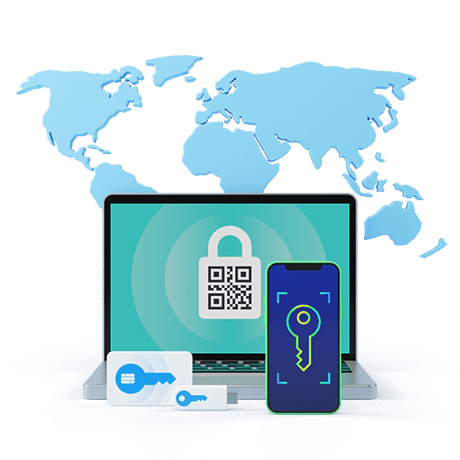
Tired of usernames and passwords? A QR code is the answer!
Turn your smartphone into a unique key with PKI-level security, but with increased convenience and cost-effectiveness.
Turn your smartphone into a unique key with PKI-level security, but with increased convenience and cost-effectiveness.
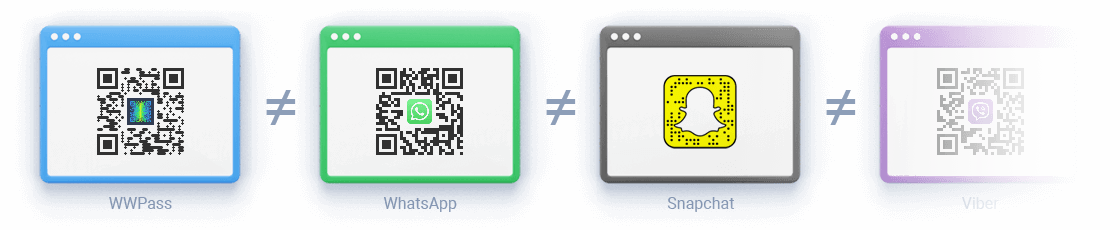
How does WWPass use QR codes to get rid of usernames and passwords?
Unlike most QR code authenticators, WWPass uses dynamic QR codes and does not encode any sensitive information into a QR code. Instead, it uses the code as a means of communication between a user and an application with a temporary unique random ticket.
Users don't send any credentials to WWPass or applications, which means logins cannot be stolen. All cryptographic operations take place on the user's device.
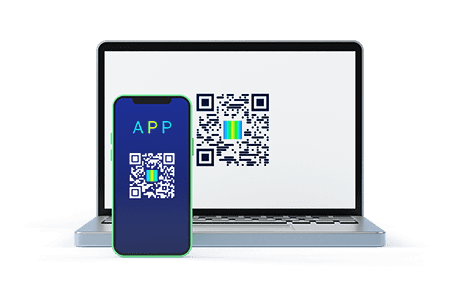
A. Scan a WWPass dynamic QR code
Scan the login QR code with the WWPass Key App on the website that uses WWPass Technology.
B. Enter your PIN or use biometrics
Enter a secret PIN or use your fingerprint/FaceID on your smartphone.
C. You are in!